











If you’re a POS agent in Nigeria, you already know the struggle. One minute your business is flowing smoothly, the next minute your device is acting up, and customers are getting frustrated. These technical issues can cost you money and damage your reputation.
Though POS agents in Nigeria face different problems, this article focuses on the technical ones that affect your daily operations. Let’s break down the most common POS problems Nigerian agents face and give you real street-tested fixes that work.
1. Network Issues-Agents biggest nightmare
What Happens:
Your transactions hang, fail, or take forever to process. It can worsen during peak hours, weekends, or in areas with a weak signal. You may see “network error”, or the transaction just keeps loading without completing.
Why It Happens:
- Poor internet service in some areas
- Network congestion during rush hours, when everyone is transacting
- Single-SIM POS devices that can’t switch between networks
- Heavy rain or bad weather
What to Do:
- Use multi-SIM POS devices that support multiple internet service providers
- Switch networks immediately when a transaction starts to delay.
- Move closer to an open area or window if you’re inside a building.
- Restart the POS to refresh network sessions.
- Note the internet provider that works best in your location at different times.
Agent Tip: Never rely on one network. Smart agents always have at least two strong networks available.
2. Card Declined
What Happens:
You insert the customer’s card into the POS device, but the POS shows “card declined” or “transaction not permitted.”
Why It Happens:
- Insufficient funds in the customer’s account, which is the most common reason
- The customer has reached their daily transaction limit set by their bank
- The card has expired or has been blocked by the bank
- Wrong PIN entered multiple times
- The bank flagged the transaction as suspicious, especially for large amounts
- The card chip or magnetic strip is damaged or worn out
What to Do:
- Ask the customer to check their account balance
- Suggest they try another card if they have one
- For suspected damaged cards, clean the chip gently with a soft cloth and retry
- If all else fails, suggest the customer contacts their bank to unlock the card.
Agent Tip: Don’t assume the customer is broke. Handle it professionally to keep your customer relationships strong.
3. Customer Gets Debit Alert, but Transaction Shows as Failed
What Happens:
The customer receives an SMS debit alert, but your POS device shows the transaction as failed.
Why It Happens:
- Network timeout when the transaction is processing
- Delayed bank response due to system lag between the bank and the payment processor
- Server issues on the payment gateway side
- Poor network which causes incomplete communication between all parties
What to Do:
- Stay calm and reassure the customer.
- Check the transaction status on your POS app or dashboard immediately
- Don’t retry the transaction to avoid double debit
- Take a screenshot or note of the failed transaction details (date, time, amount, reference number)
- Report to your aggregator with all transaction details
- In most cases, the money reverses automatically within 24 hours (sometimes instantly)
- Keep the customer updated on the reversal status
Agent Tip: Build trust by being transparent. Explain that this happens sometimes, and their money is safe.
4. Delayed Reversal
What Happens:
A failed transaction doesn’t reverse immediately, and the customer’s money is stuck.
Why It Happens:
- Banks have different reversal timelines. Some reverse within hours, others take up to 72 hours
- Weekends and public holidays slow down the process
- Inter-bank transactions take longer to resolve than same-bank transactions
- Technical issues on the bank’s end
What to Do:
- Inform the customer about the standard reversal timeline
- Give them the transaction reference number so they can follow up with their bank
- Contact your aggregator or POS provider to log a formal complaint
- Follow up regularly until the issue is resolved
Agent Tip: Document the time, date, amount, reference number, and customer contact. This protects you if the customer becomes aggressive.
5. Freezing or Crashing App on the Device:
What Happens:
Your POS app freezes in the middle of a transaction, or the entire device hangs and becomes unresponsive. Sometimes the screen goes blank or keeps showing the loading icon forever.
Why It Happens:
- Low internal memory filled with too many apps, photos, or videos
- Outdated app version with bugs that haven’t been fixed
- Too many apps running in the background
- The device is overheating from continuous use
- Software conflicts between the POS app and other installed apps
What to Do:
- Restart the device to clear temporary glitches
- Clear the app cache regularly
- Update the POS app to the latest version whenever updates are available
- Uninstall unnecessary apps that you don’t use for business
- Let the device cool down if it’s overheating before continuing transactions
- If the problem persists, factory reset the device (backup important data first)
- Contact your POS provider for a replacement if the device is faulty
Agent Tip: Treat your POS device like the business tool it is. It is not a personal phone for games and videos.
6. Battery Draining Faster Than Normal
What Happens:
Your POS battery used to last all day, but now it dies after 2-3 hours.
Why It Happens:
- Battery degradation from months or years of daily charging cycles
- Running too many apps in the background
- High screen brightness
- Old or outdated software
- Extreme temperatures (very hot or cold)
What to Do:
- Restart your device daily to close background processes draining the battery
- Update the POS software regularly
- Avoid installing unnecessary apps or games on your device
- Reduce screen brightness to a comfortable but lower level
- Turn off Bluetooth, GPS, and Wi-Fi when not in use
- Close apps you’re not actively using instead of letting them run in the background
- Charge only when the battery drops to 20-30% and unplug at 80-90% to extend battery lifespan
- Avoid cheap or fake chargers that damage battery health
- If the battery drains too fast despite all fixes, replace the device
Agent Tip: If your device is over 18 months old and the battery is weak, it might be time for an upgrade.
7. Locked Account or Suspended Profile
What Happens:
You try to log in to your POS app or dashboard, but you get an error message saying your account is locked, suspended, or restricted. You can’t process any transactions.
Why It Happens:
- Multiple failed login attempts using the wrong password or PIN
- Suspicious activity detected on your account
- You violated the terms of service, such as processing personal transactions or engaging in fraudulent activities.
- KYC documents expired or are incomplete
- Your account was flagged for unusual transaction patterns
- System error or technical glitch on the provider’s side
What to Do:
- Contact your aggregator or POS provider immediately
- If it’s a password issue, follow the password reset process carefully
- Submit any requested documents promptly if it’s a KYC issue
- Be honest about your transaction activities
- If suspended for violations, ask for a clear explanation and steps to reinstate your account
- Follow up persistently but professionally until the issue is resolved
Agent Tip: Always follow your provider’s rules, keep your login details secure, and update your documents before they expire.
Our Take
The POS business, like every other business in Nigeria, faces technical challenges, but most of these issues have simple solutions when you know what to do.
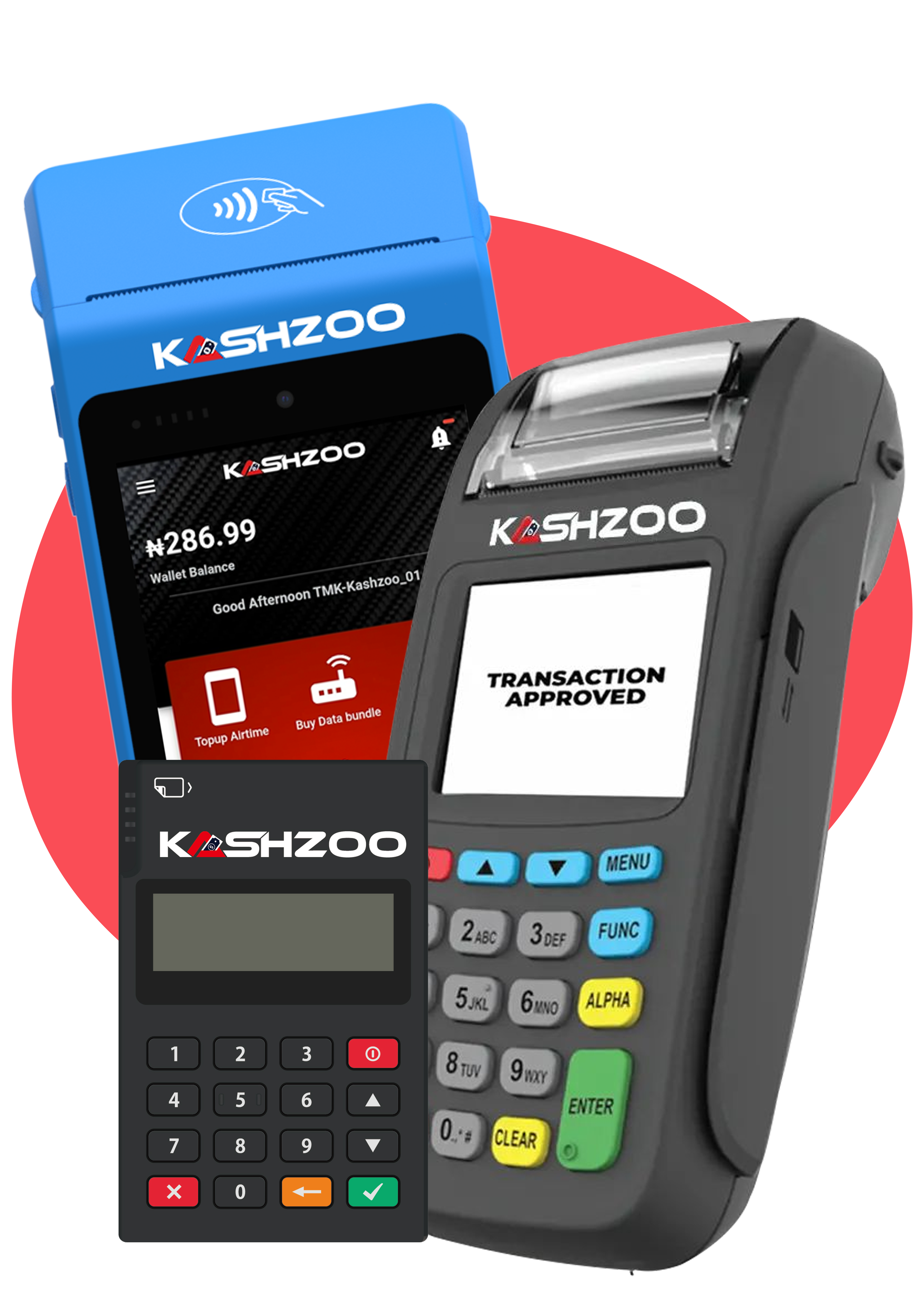
After investing in a solid POS device like Kashzoo, the key is to stay calm, be professional with customers, and follow the steps above when problems arise. Always keep your device clean and up to date, and maintain a good rapport with your aggregator.
Remember, what separates the top earners from the rest is how quickly and professionally they handle technical problems.

What do you think?
It is nice to know your opinion. Leave a comment.